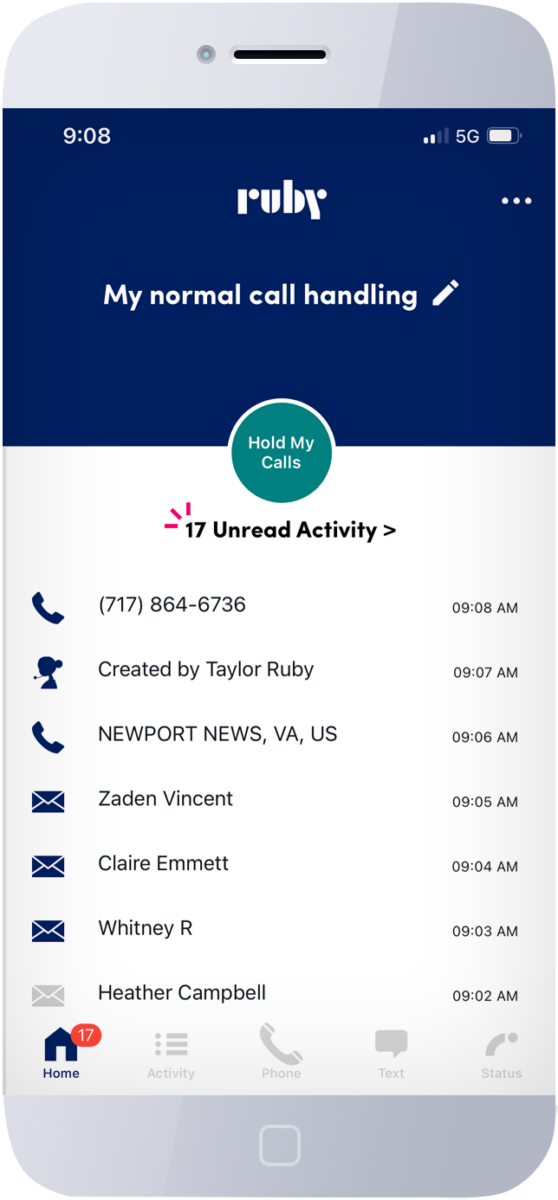
The Member Services Area, located on the bottom righthand corner of the Ruby® Receptionists website, is where clients using our live virtual receptionist service can log in and view their account activity — and much more. For example, did you know that you can pull up every message you’ve ever gotten from one of our remote receptionists? Even if they’re long gone from your email inbox? Yep, it’s true! And for that matter, let’s talk about all the ways to look at your messages.

First, you can always sort by Timeframe (today, yesterday, last 7 days, last 30 days, or by a customized date range). If you have more than one company using Ruby, you can sort by company as well. Once you’ve picked your timeframe and company, your messages come up with the most recent messages at the top. Then, you can sort them to alphabetize them by caller name, company, etc. Once you’ve found the message you were looking for, simply click “Select,” and the full message appears at the top of the existing window. Voilà! You never have to worry about misplacing a message or a caller’s info again!

If you ever forget your login info, our friendly Client Services team (available at 866-611-7829 or staff@callruby.com) would love to help. We’re here for you! By the way, checking your message archive is only one of the handy features you’ll find in the Member Services section of our website; stay tuned for Part II of this series, when we’ll be covering: How to Monitor Your Ruby Usage with the Member Services Page!